Easy • 8x9
Minecraft Steve
The iconic Minecraft Steve face as an 8×9 perler bead chart — 64 beads in 4 colors on a single board. An easy pixel-art pattern for Minecraft fans and quick fuse-bead builds.
39 patterns
Easy • 8x9
The iconic Minecraft Steve face as an 8×9 perler bead chart — 64 beads in 4 colors on a single board. An easy pixel-art pattern for Minecraft fans and quick fuse-bead builds.
Easy • 11x9
A classic Mickey Mouse silhouette as an 11×9 perler bead chart — 71 beads in 2 colors on a single board. A simple two-color pattern that's great for beginners and kids.
Easy • 7x7
A classic Poké Ball as a 7×7 perler bead chart — 37 beads in 5 colors on a single board. A small, beginner-friendly Pokémon pattern for quick crafts.
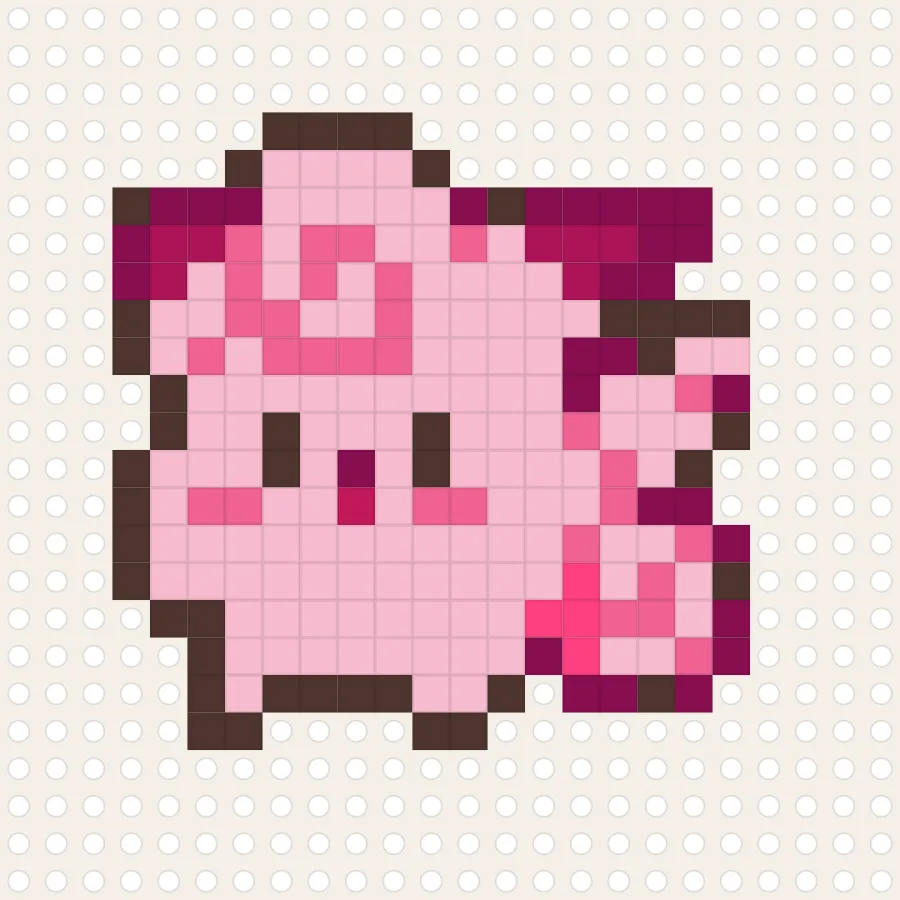
Medium • 24x24
Jigglypuff charted as a 24×24 perler bead pattern — 465 beads in 9 colors. A classic, beginner-friendly Pokémon design for a quick fuse-bead project.
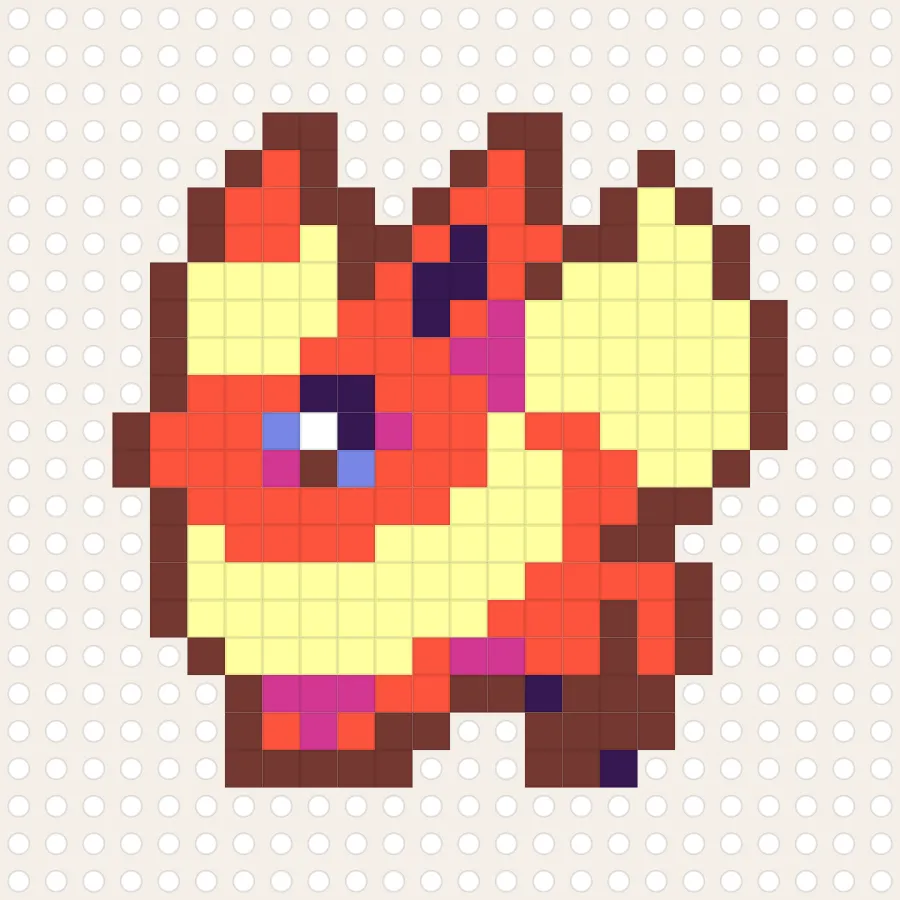
Medium • 24x24
Flareon's spiky fur and mane in layered reds and creams, charted at 24×24 beads across a multi-board layout for a fuller-sized finished piece.
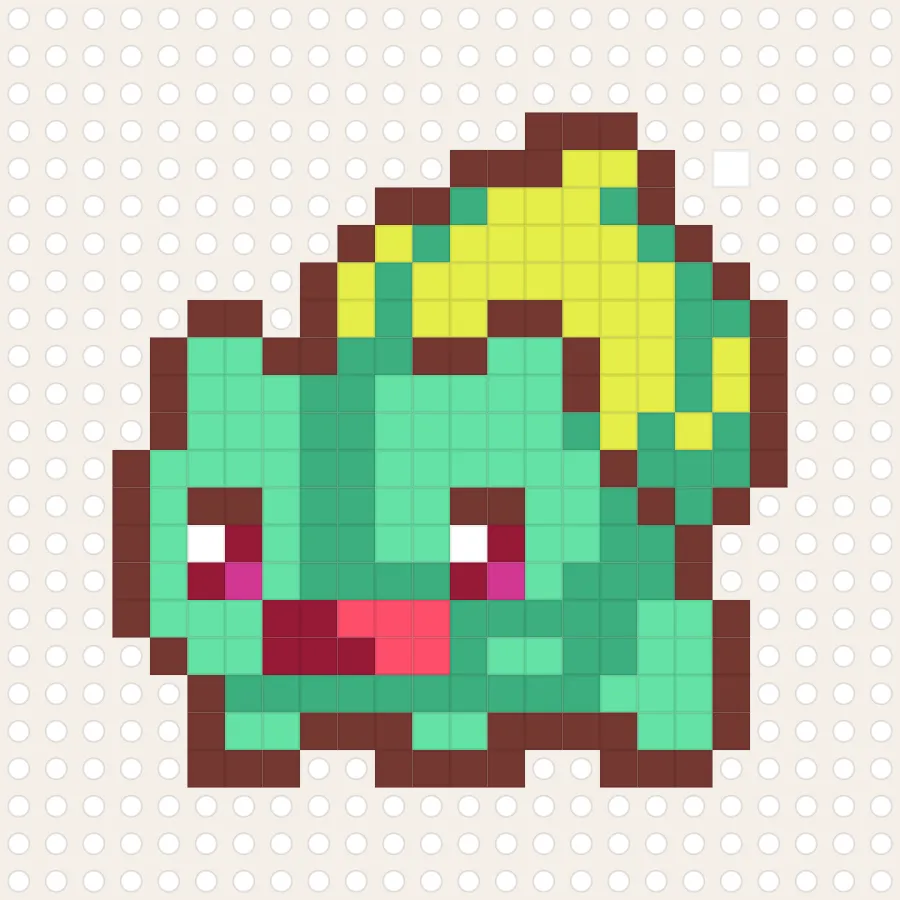
Medium • 24x24
Bulbasaur in a seated pose with its bulb shaded in layered greens, charted at 24×24 beads on a multi-board layout.
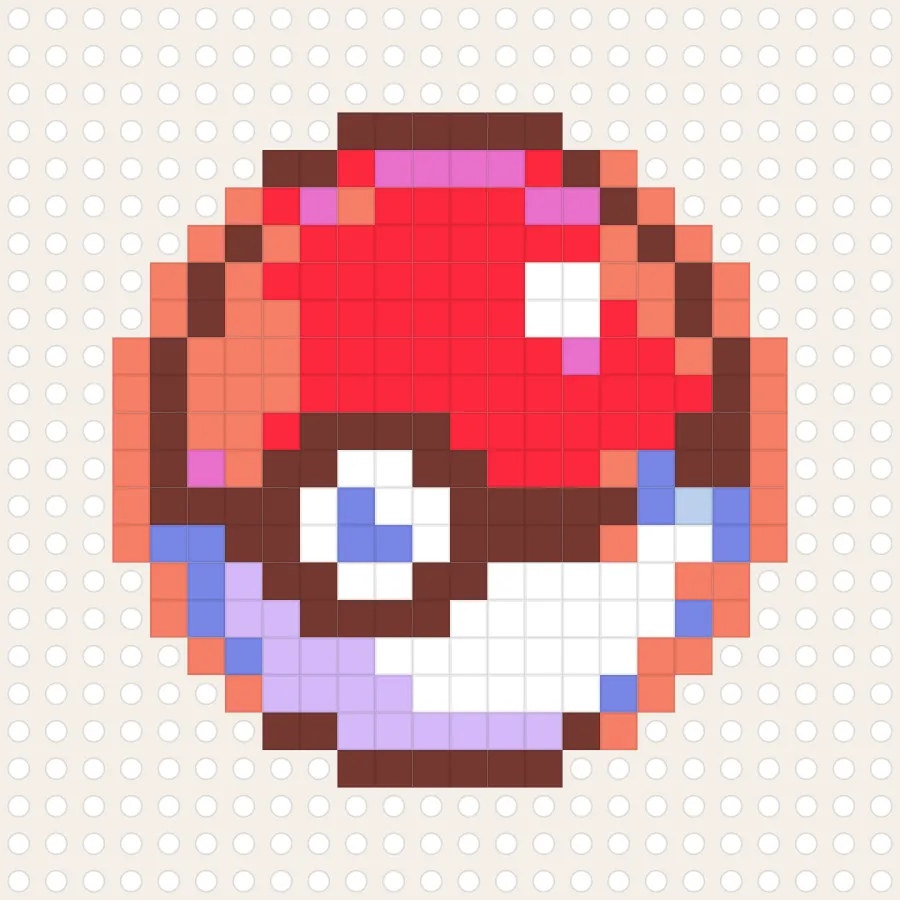
Medium • 24x24
A classic red-and-white Poké Ball icon at 24×24 beads — a quick, symmetrical build that pairs well with any character pattern in this set.
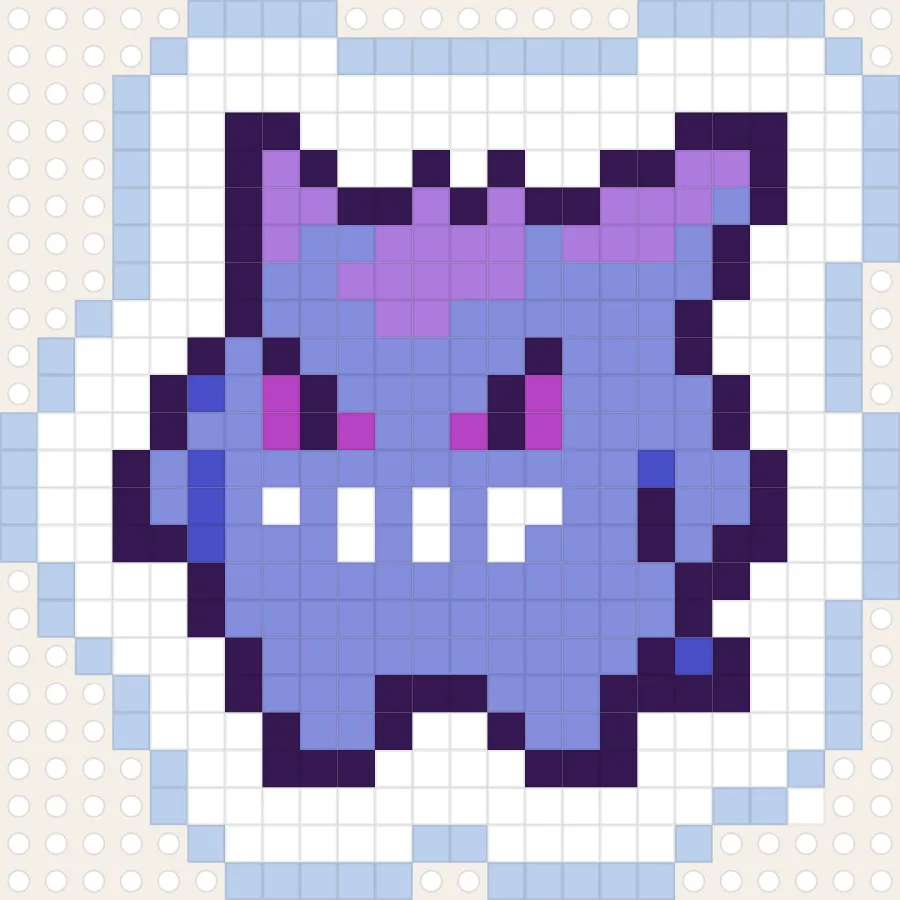
Medium • 24x24
A simplified Gengar silhouette in purples and lavender, charted at 24×24 beads — an easier alternative to the detailed version for a first Gengar build.
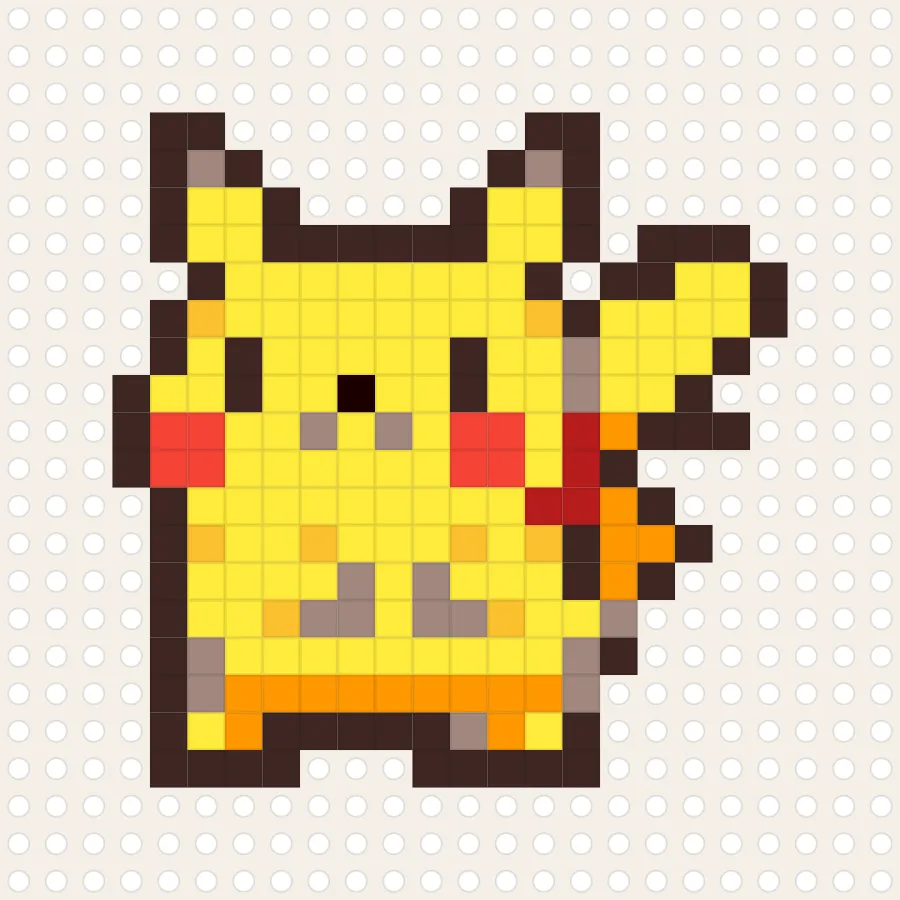
Medium • 24x24
Pikachu charted as a 24×24 perler bead pattern — 480 beads in 11 colors. A classic, beginner-friendly Pokémon design for a quick fuse-bead project.
A good first project has a clear outline, a manageable grid, and colors that are easy to tell apart. These simple perler bead patterns are a place to start: open a chart to check its size, bead count, and color key before you set out your supplies.
Smaller designs are handy for a short craft session, a keychain, or a magnet. Check the listed width and height first; the grid dimensions help you estimate the finished piece and whether it fits your pegboard.
Use the color key and bead count to prepare, then follow the printable PDF row by row. Want a different palette or a small correction? Open the design in the editor before printing.
Pick a pattern that matches your skill level, then open it in the editor to adjust colors or spacing before printing. Need a custom size instead? Start from the blank canvas editor and keep the same multi-board, printable workflow.